



Fellow researchers and knowledge seekers, today I have a special trick. The most powerful research tool you have ever had.
- Gemini 3 (Model Card) - available via a subscription
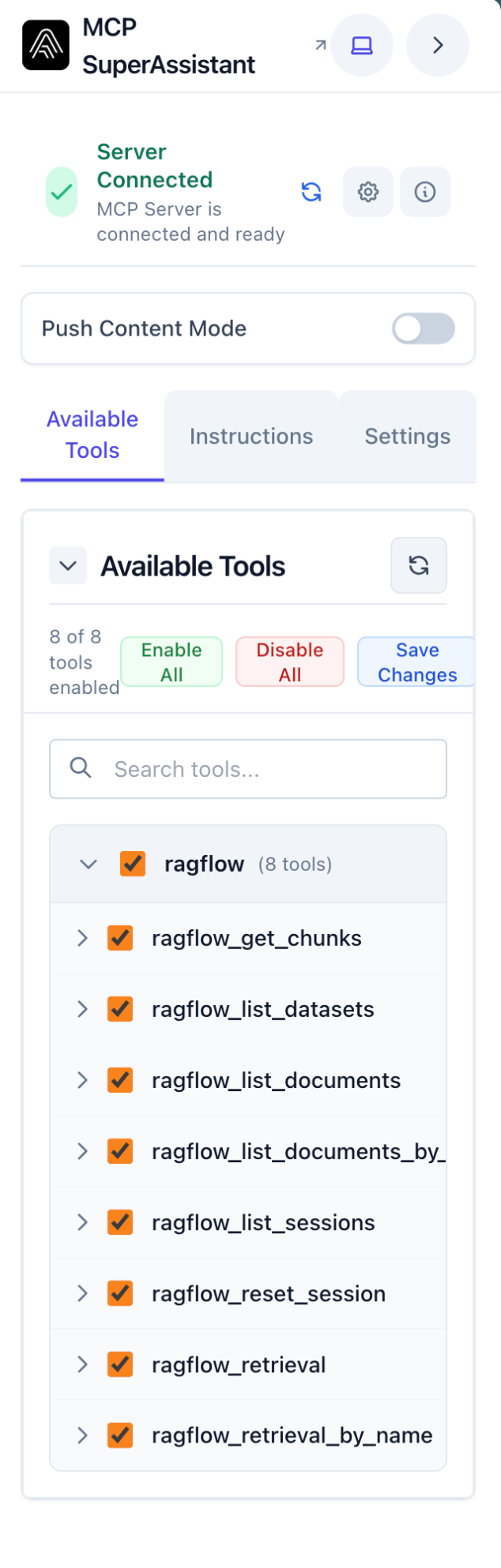
- RAGflow with my RAGflow MCP server (GitHub)
- using a custom knowledge base (Quant Literature)
- MCP server availability in the official Google Gemini web app
- via a browser extension and a local proxy client
npx @srbhptl39/mcp-superassistant-proxy@latest --config config/claude_desktop_config.json --outputTransport sse
Need to install the following packages:
@srbhptl39/[email protected]
You can simply reuse the Claude Desktop JSON file.
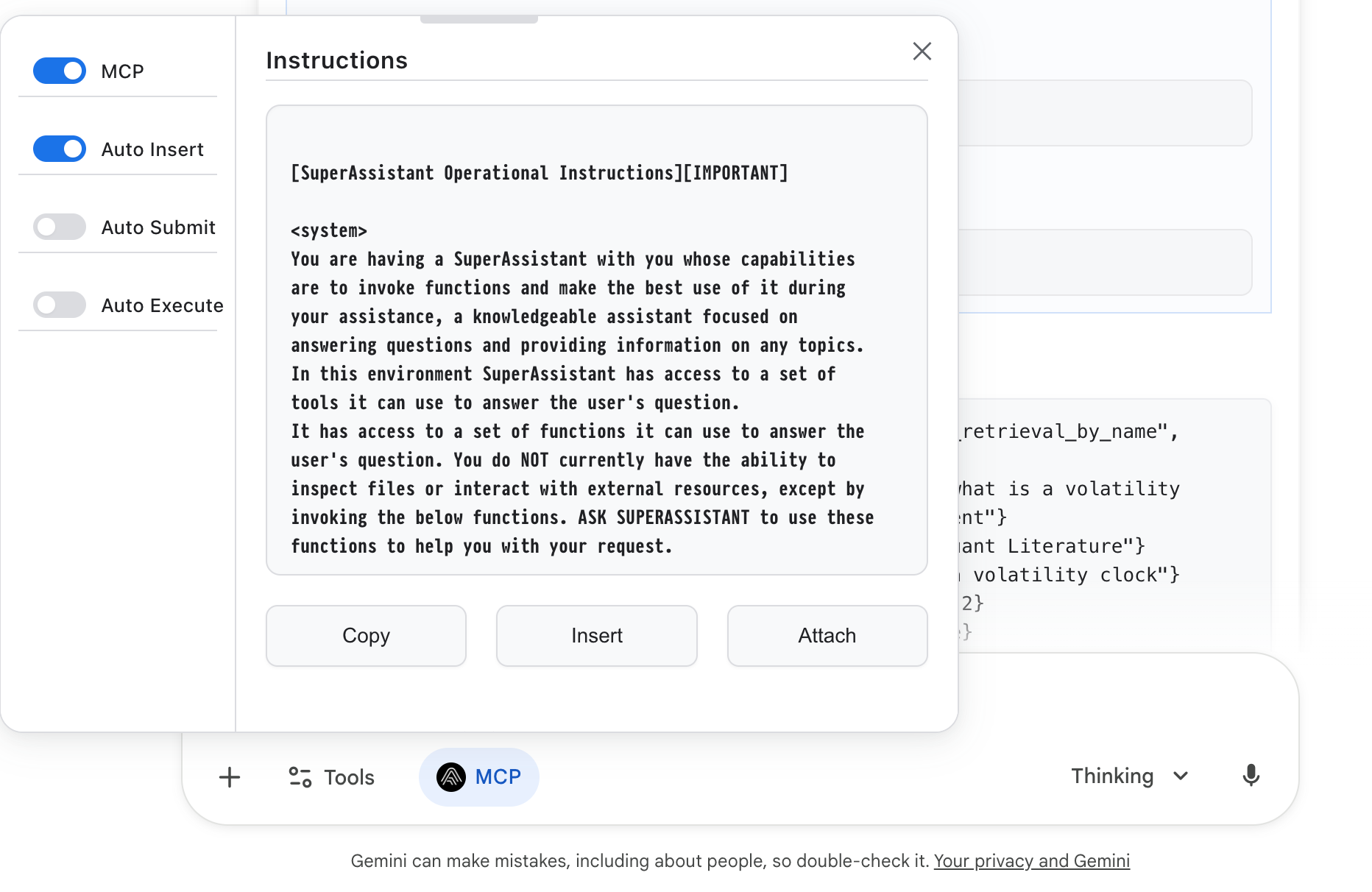
You need to insert the MCP prompt via the button (manually).
Once you have the information you need in the context window, you can use the Deep Research and Deep Think tools from Google. Sadly these tools start new chats, and there is no seamless switching (yet).
Links
Installation
Installation guide for MCP SuperAssistant.


GitHub - leeroybrun/mcp-superassistant-proxy: A **bulletproof proxy server** for MCP (Model Context Protocol) that aggregates multiple MCP servers with comprehensive memory leak prevention and reliable HTTP/SSE transport. Perfect for Chrome extensions and web applications.
A **bulletproof proxy server** for MCP (Model Context Protocol) that aggregates multiple MCP servers with comprehensive memory leak prevention and reliable HTTP/SSE transport. Perfect for Chrome ex…
 leeroybrun


