


Zero Trust is a wonderful buzzword. You can read my take on it here:
 Marius Ciepluch
From a more hands-on perspective, getting into Teleport Community Edition (CE) is a good idea to define a couple of examples.
 gravitational
What we want to get rid of with Zero Trust is:
- Implicit trust of the internal network
- Unrestricted lateral movement
- Perimeter-focused security model
Implicit trust of the internal network: In Teleport, you define who (identity) gets access to what (defined Web, SSH and RDP endpoints).
Access is possible via the network (VNet tcp:// ) , via the Web Portal (HTTPs and websockets for SSH / RDP) or via the CLI tools (HTTPs and mTLS). Once identified, you have the choice. Implicitly, you do not.
Unrestricted lateral movement: to access any system, you must have a valid session. Keys or sessions get defined via HTTPS and are valid for 12h (by default). There are no permanent private keys, which would entitle a user to move unrestricted via the network. There are no perpetual proxy sessions.
You don't have your all-access SSH private key in ~/.ssh .
Perimeter-focused security model: The identity is the perimeter here. Resources get defined, usernames assigned, and sessions get logged. Furthermore, the agent can establish an outbound connection. You would not need SSH:22 or RDP:3389 open on any enrolled system, because the agent is like a reverse connector.
Command-line Zero Trust isn't the standard today
For whatever reason many zero-trust products assume that admins / DevOps / devs will use web clients. That's not the case.
- Zscaler has its SSH Zero Trust solution, but you need to use their web UI (Q4 2025)
- some people like it; I don't
- Cloudflare has a half-assed solution where you need to park private keys at their service. As if...
cloudflaredhowever can relay TCP / SSH
Both are anti-patterns: we shouldn't take productivity tools like Terminals away or ask users to share their private (non-expiring) keys.
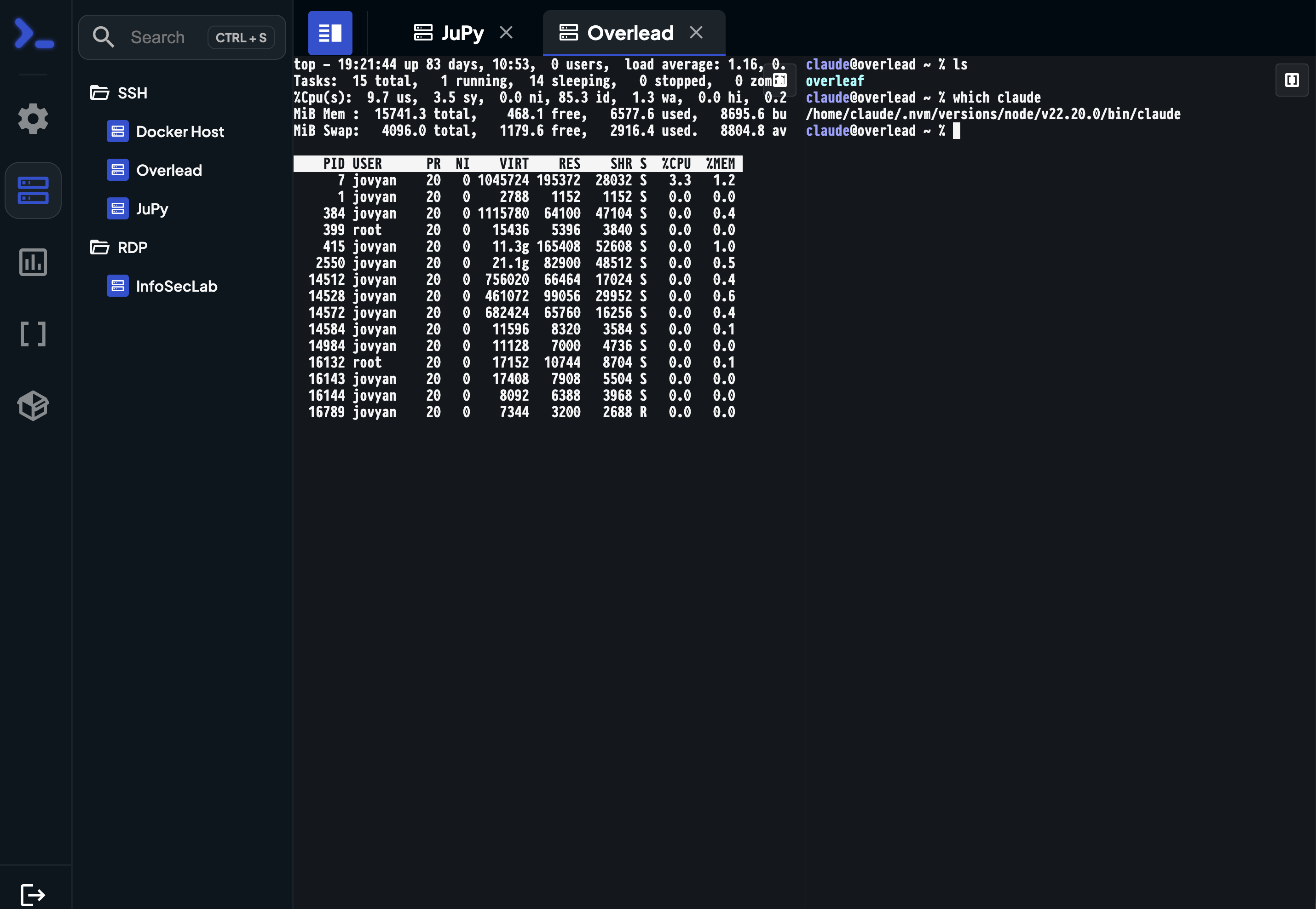
For me, the key feature Teleport has is that it ships client tools. These work the same way for macOS, Windows, and Linux:

tsh is the Teleport client, ssh can be used (also with port forwards and Socks)Here is how Teleport's flow works for the CLI client suite:
tsh loginuses TLS >= 1.2 (withECDHE-RSA-AES256-GCM-SHA384by default) to get temporary key material (signed by the Teleport server). The key expires after 12h, as you can see in the screenshot.- password
- TOTP token
- has LetsEncrypt cert support (with wildcard support if needed) for the server
- here on HTTP:8443
tsh sshis used to login- password-less
- 12h access to the systems in scope of the user's access rights
- uses SSH protocol wrapped in TLS, not mTLS (TCP:3023)
- the TLS connection terminates at the proxy (3023), then the proxy forwards the SSH connection to the node (3022)
- Teleport server receives the agent (reverse) connections (mTLS)
- you can enroll systems in remote internal VPCs as long as there is a network path to the server. No open SSH socket needed. (For RDP it's more complex, see below)
Teleport doesn't require VPN access, where you have an IP pool for an appliance. This is by design: the network isn't the perimeter. Lateral movement is restricted by identity. There is no implicit network-zone based trust.
The Teleport Web SSH client uses TLS > 1.2 and Web Sockets.
- By default, there is no TLS certificate pinning with the browser. In practice, this means that TLS-intercepting corporate web proxies (with a trusted CA) could read the browser session when they offload the encryption.
They would still need to decrypt the websocket traffic.- The Teleport Connect application can perform certificate validation.
tshverifies against Teleport's CA pin

- Teleport's SSH web client is tabbed (!), but it cannot get themed afaik.
- Teleport Web SSH does not use the same protocols as the client suite
Attacker would...
first of all, need to get hold of a client with valid key material. Depending on the user, this is more or less easy.
-> If attackers can siphon out these keys, they still need per-session MFA (if you configure this correctly). To authenticate, then, they need to steal the seeds for the TOTP generation as well (from the mobile phone in most cases).

tsh uses keys stored in the user homes-> You can use webauthn for YubiKeys, TouchID, Windows Hello etc.. I haven't used this much, but passkeys are a good measure to improve the security.
-> To add new servers to the zero trust system, you need to use a secure token in the Teleport server config. Otherwise, attackers could use it to enroll their rogue devices. The tokens require a rotation for effective security.
Phishing is always a possibility. There are phishing kits on the Darknet with MFA support and automated takeover features. Haven't seen them for Teleport, but where there is a will, there is a way. Attackers aren't stupid. Much of the security depends on the admins.
Finally, you need to keep the Teleport server up to date. It can run in a distroless container image, and by itself it's a commercial-grade single-binary application written in Go. I haven't heard of mass-exploits of such systems as of today (Q4 2025). Specifically, Teleport is an audited system. To me this sounds solid, and you can check the source code.
 Teleport
You can get similar security if you really PW-protect your SSH private keys, use ssh-agent and multiplex connections over a dedicated jump server. But the client keys would need to get rotated as well, after a while. This is labor-intensive, error-prone, and I have never seen a DevOps org do this.
OpenSSH has -R for reverse connects. You could mimic the agent functionality this way, maybe with autossh or similar tools. Doing that at scale would be tricky.
Analogy: "You can get similar functionality to Kubernetes if you use systemd and shell scripts" - technically true, but missing the point of why the tool exists. Teleport exists to make security easier at scale. For example, it's easy to run a security system for 2 clients with high manual effort. When you have 1000s of systems and busy schedules, it's an entirely different story.
RDP and Zero Trust principles
For Windows Server RDP Teleport's approach is interesting:
- Wraps RDP in Teleport Desktop Protocol (TDP) - not raw RDP/CredSSP
- Certificate-based authentication to Teleport (not to Windows directly)
- No credential delegation - Teleport handles auth, not CredSSP
- Session recording without credential exposure (!)
- For non-AD hosts: Uses local Windows credentials, but authentication happens through Teleport (!)
Teleport
Teleport's Virtual Smart Card Implementation
What Teleport does:
- Generates short-lived certificates for each RDP session
- Emulates a smart card to the Windows server
- Uses RDP device redirection to make the virtual smart card appear as if it's physically connected to the remote Windows machine
How It Works:
- User authenticates to Teleport
- Teleport generates an ephemeral certificate
- Teleport creates virtual smart card with that certificate
- RDP connection established with smart card redirection
- Windows server sees it as a physical smart card
- Certificate-based authentication (no password!)
- Certificate expires shortly after (useless if stolen)
With Xrdp / normal Windows RDP traditional RDP authentication, the password is sent via CredSSP/NLA. Credentials land in LSA memory, which is vulnerable to credential theft. That is why you don't log in as Domain Admin when a host has been compromised.
Teleport doesn't require you to:
- Set up physical smart cards
- Configure Windows PKI infrastructure
- Issue long-lived certificates
- Manage certificate lifecycle
Instead, Teleport dynamically creates a virtual smart card for each session with a certificate that:
- Is unique per session
- Expires quickly
- Requires no Windows-side configuration
That's pretty cool, because it restricts lateral movement by design (not credential-based) BUT you do need an RDP listener (behind NAT, but it's not like with SSH).
Summary
Teleport has tickled my fancy. I will look into the MCP support to see if this helps for secure GenAI development.
Xrdp (Linux RDP) is incompatible with Teleport's IronRDP. But you can use Apache Guacamole here and add these as web endpoints.
 Marius C