



Recently news spread about Anthropic abandoning their flagship innovation product claude-code.
 Marius C
Apparently they saw that they don't have a chance. Google decided to take the business instead. Better late than never.
Gemini-CLI
gemini is a helpful command-line center for context engineering in software development. It can also help with documents, btw..

- Gemini CLI has different scrolling and scrollback modes for my use cases. Something
claudecode failed to deliver for months.- Integrated terminal buffers
- It's also open-source, meaning if you need to fix something, you can get it fixed (with AI)
- The new Gemini 3 model is likely going to rival Sonnet
- available for 20 to 100 EUR / USD
- I have been making good experiences with it so far since yesterday
- I didn't find "
claudeskills" to be useful, butgeminihas- extensions for prompts
- MCP support for
context7and what you may need
- Obviously it supports Chrome Dev Tools, come on... Google tools working with Google software
- Memory / user instructions support is good when you move from
Opus/SonnettoGemini 3 - Gemini CLI can run in a Sandbox
- Meaning: you don't have to expose your computer
- Gemini CLI works on Microsoft Windows
- It can be instructed to use PowerShell and not WSL (!)
There is no Gemini Desktop app, which could bring MCP to the hands of non-tech folks. But there is an agentic framework you can use. Or an unofficial app or two.
 Marius C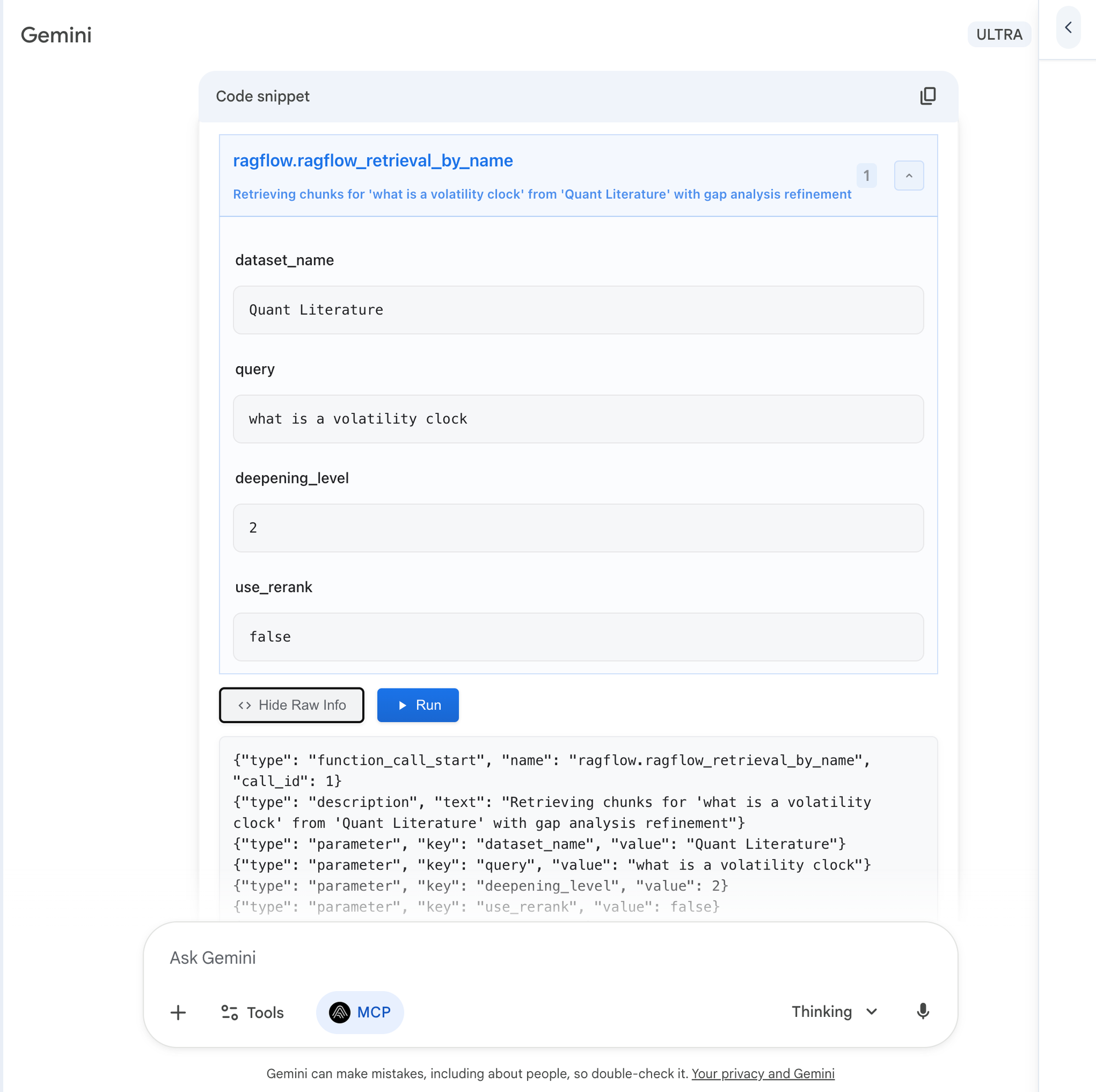
Personally, I can see myself using the CLI for MCP-aided R&D work. Or the browser extension.
Jules
Jules is an autonomous code (cleanup) tool. It handles the tasks that you don't want to do. Time is money.
- Update documentation
- Clean up leftover files
- Fix smaller build errors
- Update dependencies
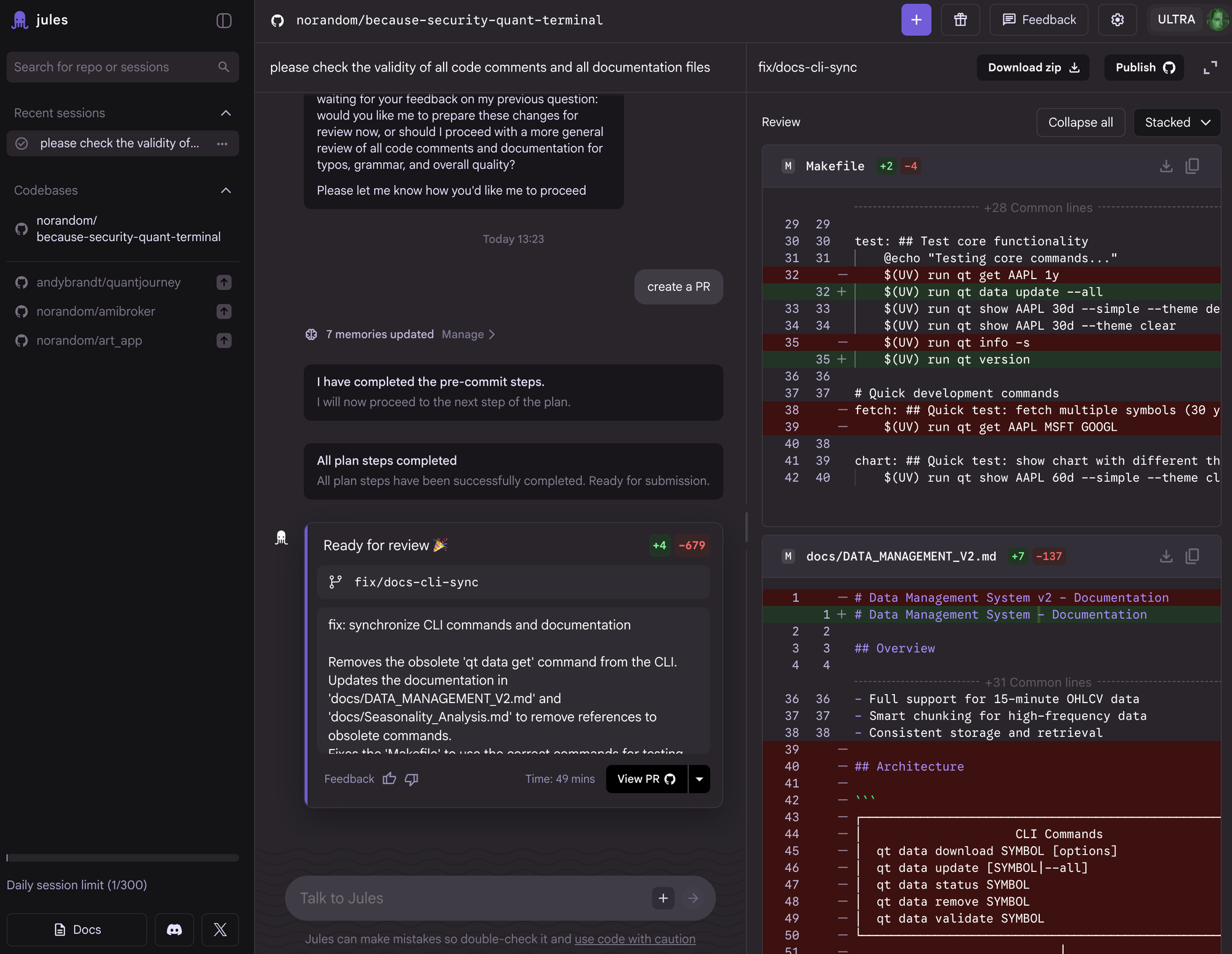
Jules comes as a bonus on top. It can work the night shift, go through Dependabot and CodeQL alerts, check SemGrep issues, etc., etc.
It works in a (random included Google) VM and does not need your computer(s). I am new to this, but you can make instructions to make it autonomous.
There is a learning curve, especially with the CI and GitOps (test envs) part. I can see a ZTNA test env workflow here, where Jules warms up a testbed before I come to the office. And I define minimum access criteria and one-time keys for the low-end tasks.
Antigravity
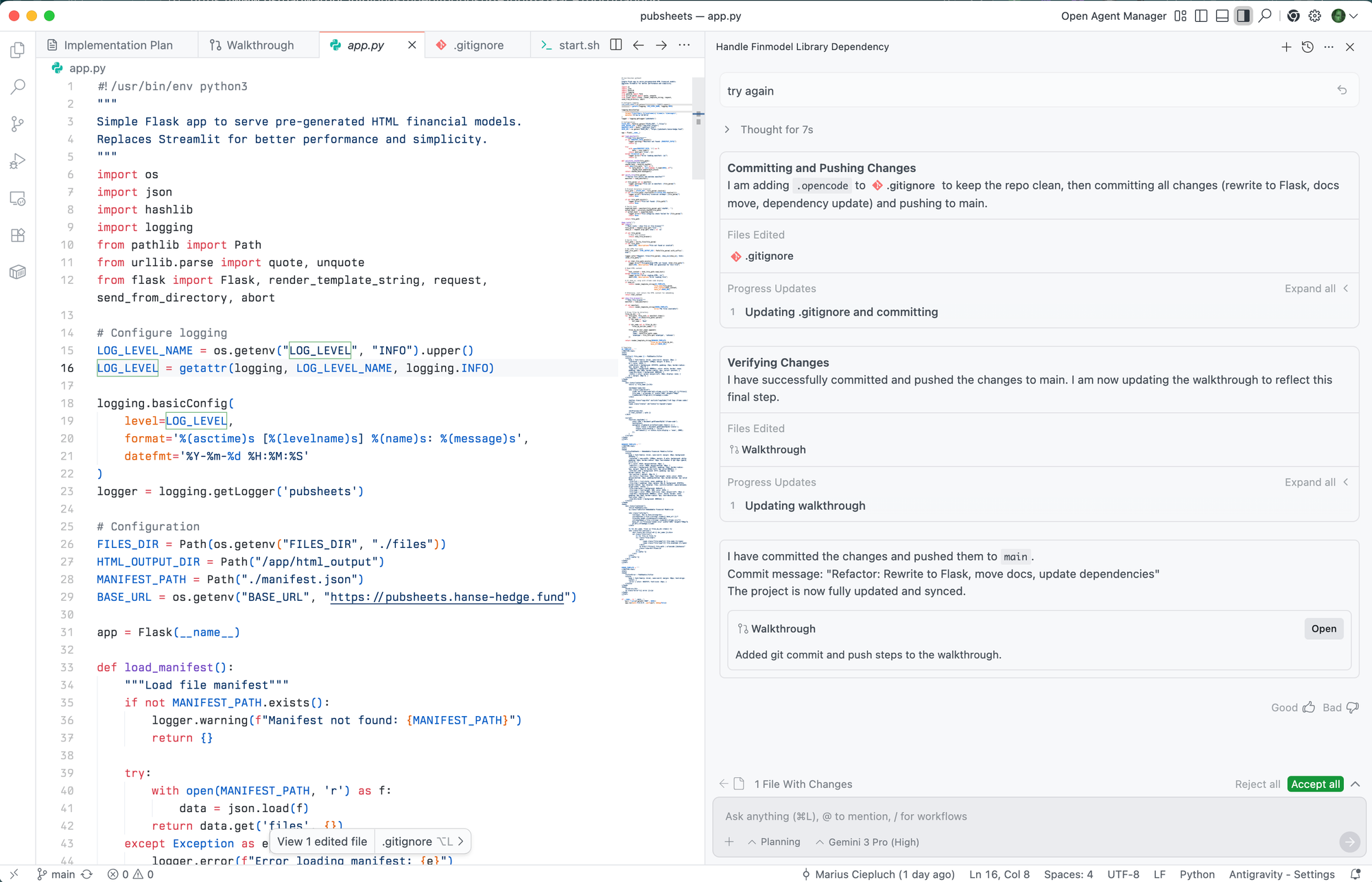
Antigravity is another addition. It's just a Visual Studio Code fork. But it has two key features:
- Focused on automation with Gemini models ("agentic" flows)
- can instantiate multiple agents with different objectives
- this seems well-done: the agents do what they are supposed to do, and they actually follow the instructions
- It doesn't cost extra
On Windows, check out
%USERPROFILE%\AppData\Local\Programs\Antigravity\binfor the antigravity cmd- On macOS it's
agy
These are the pendants to code to open folders. Or cursor if you still remember it.
Summary
My rating of the Gemini productivity suite: 8/10.
Plus points:
- Powerful new tools
- Powerful models
- Gemini 3 benchmarks are not all I look at
- Rich Web UI
- Deep Research and Deep Think
- YT Premium bonus
- NotebookLM
- instead of watching YT videos in full length, just move to Deep Research and take notes into your workflows
- Code Wiki (internal for custom repositories)
- ...
Minus points:
- cost model is weird, because Google One Ultra comes with a creative suite of video and image editing models.
- That is fun to use, if you can afford it.
- these creative tools do not produce project files for video or image editors (!)
- For the 20 bucks upfront, you will need to switch from subscriptions to the API keys
- this feels complicated, tbh.
- That is fun to use, if you can afford it.
- lack of MCP support for Desktop apps (!)
- power remains hidden
Maybe the next big thing will come from China. 😃


